How to Assess Product Photos Without Guessing
A practical way to review doll photographs, identify configuration details and ask for the images a listing does not provide.
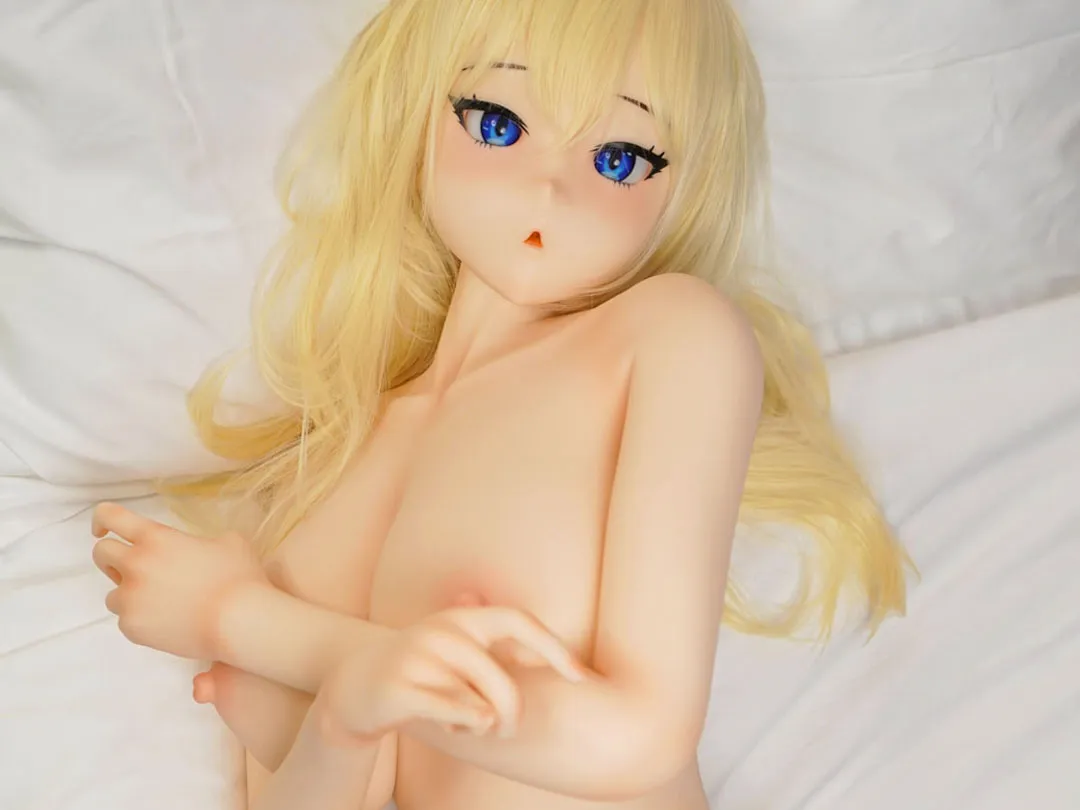
Product photographs are valuable evidence of appearance, but they answer a narrower set of questions than a complete specification sheet. A gallery can show styling, proportions and visible details. It cannot establish packed weight, included accessories or how a material will feel in your hands. A useful photo review begins by deciding which questions the images can reasonably answer.
Keep one configuration in view
Start with a single product reference. Open its main image, gallery and option list together. Check whether the images seem to show the same head, hairstyle, finish and body configuration throughout. If a photograph appears to belong to another option, save that image and ask the seller to identify it rather than guessing from resemblance.
The Heather silicone listing, for example, includes separate choices for eye colour and wig style. The catalog also has a dedicated Piper Doll wig listing with nine coded styles. A hairstyle in a photograph therefore needs to be tied to an actual option code. A general request for “the one in the picture” can leave room for misunderstanding when a gallery contains several looks.
Look for useful viewpoints
A front view is useful for the overall design. Side and rear views help explain the profile and proportions. Close views can show visible finishing details. Ask for the view that answers your question; another attractive image from the same angle may not add much information.
For size-related questions, request a clear measurement photograph or a labelled specification diagram. Furniture and props are unreliable scale references because their dimensions are unknown. Camera position can also change the apparent proportions. Treat a measured figure as the source for size, and a photograph as supporting context.
Separate styling from the supplied items
Clothing, shoes, jewellery, stands and background objects can be used to present a product. Their presence does not establish that they are part of the sale. Make a short list of the visible items you want and ask which are included, which are optional and which are photographic props.
Accessory compatibility deserves its own check. The Piper Doll wig page identifies a particular range of heads, while the separate eye-colour listing describes a pair of eyes in each package. Neither fact means that every accessory fits every head. Confirm the exact product reference, fitting requirements and any installation guidance before adding an accessory to the order.
Use colour references carefully
Lighting, camera processing and display settings can change the appearance of a colour. Compare images made under similar conditions where possible. If the choice is important, ask for a current reference image naming the finish or colour option, and check whether the supplier can provide a relevant sample.
A photo review should distinguish what you observed from what remains unknown. “The gallery shows a brown hairstyle” is an observation. “This is the supplied wig” requires confirmation from the listing or seller. Writing that distinction down keeps the review useful without inventing certainty.
Build a small evidence record
Save the product link, option codes and the few images that matter to your decision. Include the seller's explanation for any ambiguous detail. When requesting an offer, attach that record and ask for a written configuration summary. If pre-dispatch photographs are available, use them to check the agreed items, while following the seller's stated process. This method assesses the information presented online; it does not turn photographs into a hands-on test or justify an invented product score.
Product references
Examples use the published catalog details available when this guide was prepared. Confirm the exact specification with your quotation.